
You have 2 different view options. You can view Schoology as a parent, or as your student.
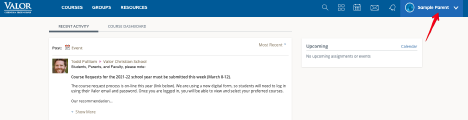
To access the different views, click “your name” in the top right corner of Schoology.
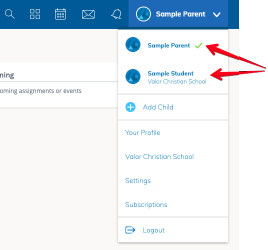
Now you will be able to choose what you would like to see.
From this menu, you can change your notification preferences when viewing as the parent.
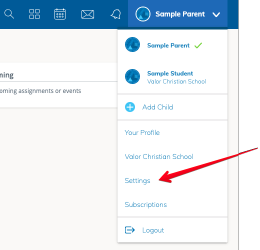
Click “Settings.”
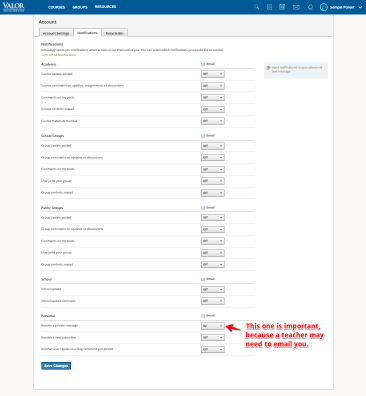
Click the “Notifications” tab.
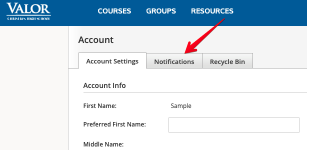
On the “Notifications” tab, you can choose what notifications you would like to receive.
Some notifications are more important than others, so you can choose what works best for you.
Comments
0 comments
Please sign in to leave a comment.